Freelancers don't have a payroll department, a finance team, or anyone to blame when April arrives and the numbers don't add up. What they do have is a phone in their pocket — and that phone, used right, is genuinely enough to keep taxes under control. The apps here aren't about replacing an accountant or turning your life into spreadsheets. They're about catching the small things at the moment they happen: the receipt you'd otherwise lose, the miles you'd forget to log, the income that lands in five different places. Here's what's worth installing, and how to make the habit stick long past New Year's. One caveat before the list: no app fixes a habit you don't have. Every tool below is judged on a single criterion — does it make the right action the easy action?
The Receipt-at-the-Moment Habit Beats Any App
Every freelancer hits the same turning point, and it's always boring. You're standing in a queue, the app is open, you snap the receipt and tag it before you forget. That's the whole system — the app just makes the moment effortless. The apps that fail are the ones that promise to organize your entire financial life but take forty seconds to log a single expense. Nobody uses those after week two. The app you'll actually use is the one where capturing something takes less time than thinking about it. Start there. A simple capture habit on a so-so app beats a perfect system you abandon in February.
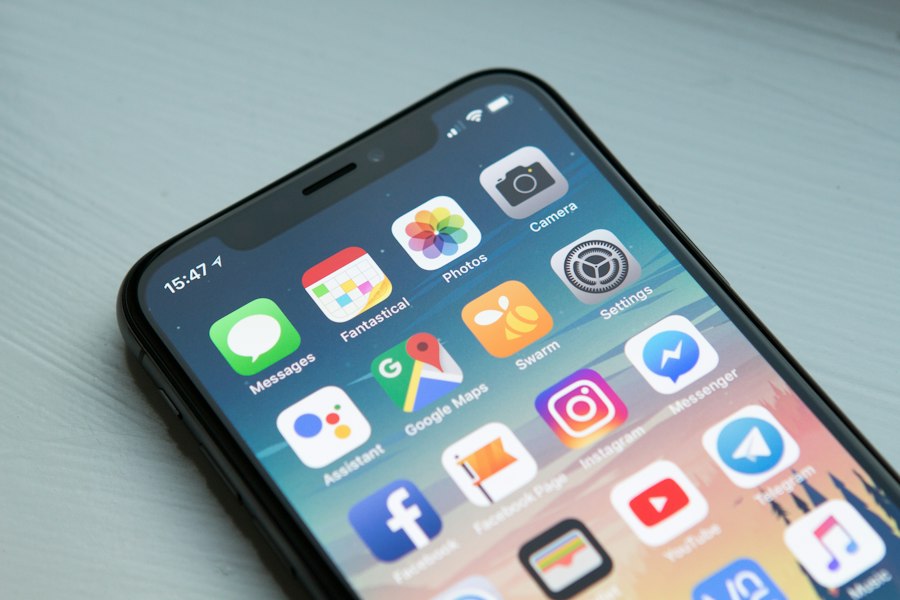
Expense Capture: Snap, Tag, Move On
Advertisement
QuickBooks Self-Employed remains the default for a reason: it bundles expense capture, invoicing, and quarterly tax estimates in one place, and its bank feed catches transactions you'd never think to photograph. Expensify and Zoho Expense are strong alternatives when you want receipt scanning plus approval flows — useful if you work with a bookkeeper. Dext (formerly Receipt Bank) is the favorite of accountants because it reads receipts with reliable accuracy and pushes clean data straight into the books. The common thread is speed: each one turns a physical receipt into a categorized digital record in under ten seconds. Set one rule — any purchase over a set threshold gets photographed immediately — and the shoebox problem simply stops existing.
Whichever you pick, check how it handles bank connections. Read-only access through a secure data aggregator is the norm; you should never hand your actual bank password to a receipt-scanning app, no matter how pretty the interface is.
Mileage That Tracks Itself
Advertisement
If you drive for work, mileage is one of the most valuable deductions you're probably losing. The IRS mileage rate means even a modest pattern of client trips can be worth thousands, but only if you can prove the drives happened. Manual logs fail because nobody writes them down on the day. Automatic apps — Everlance, MileIQ, TripLog, Stride — run in the background, use GPS to detect trips, and let you swipe each drive as business or personal with one thumb. The habit that matters is the daily swipe, not the weekly reconstruction. At year-end, export the log. It's the one document the IRS will actually ask to see, and a clean GPS record ends the argument before it starts. One honesty note: GPS occasionally mislabels a trip, so skim the weekly list rather than trusting it blindly — a five-minute review keeps the record defensible.
Income and Estimated Taxes: Stop Letting Money Land in the Shadows
Freelance income arrives everywhere: PayPal, Stripe, Venmo, direct deposit, the occasional paper check. If you don't consolidate it, you'll underpay estimated taxes and discover the shortfall in April. The right app separates business income from personal money the moment it lands, keeps a running profit total, and projects your quarterly payment. Most bookkeeping apps do this automatically once you connect your payment accounts. The habit that matters: check the income feed weekly, not quarterly, and move a slice of every payment into a separate tax account. Getting the money out of your spending account is 90% of the battle — the app just tells you how much to move. And put the four quarterly due dates on your calendar at the start of the year — mid-April, mid-June, mid-September, mid-January. The reminders help, but a date you've already marked down is a date you can't miss.
Advertisement
Build a Small Stack, Then Test the Export
Don't install seven apps. Pick one capture app, one mileage app, and one bookkeeping tool, and make sure they integrate with each other. Then do the test most freelancers skip: export everything to PDF and CSV in January and send it to your accountant. If the export is messy, switch tools while you still have time, not in the week before the deadline. Skip anything that promises to do your taxes from a photo of your bank statement, and skip apps whose only export is a proprietary format — if you can't get your data out in a standard file, your data isn't really yours. Tax season will still matter — it always does — but with the small stuff captured as it happened, filing turns into assembling a folder that's already mostly full. That's the whole goal: turning a yearly emergency into something that never needed to be one.